
Advance View
The Advance View provides comprehensive item management with detailed information, batch tracking, and extended attributes.
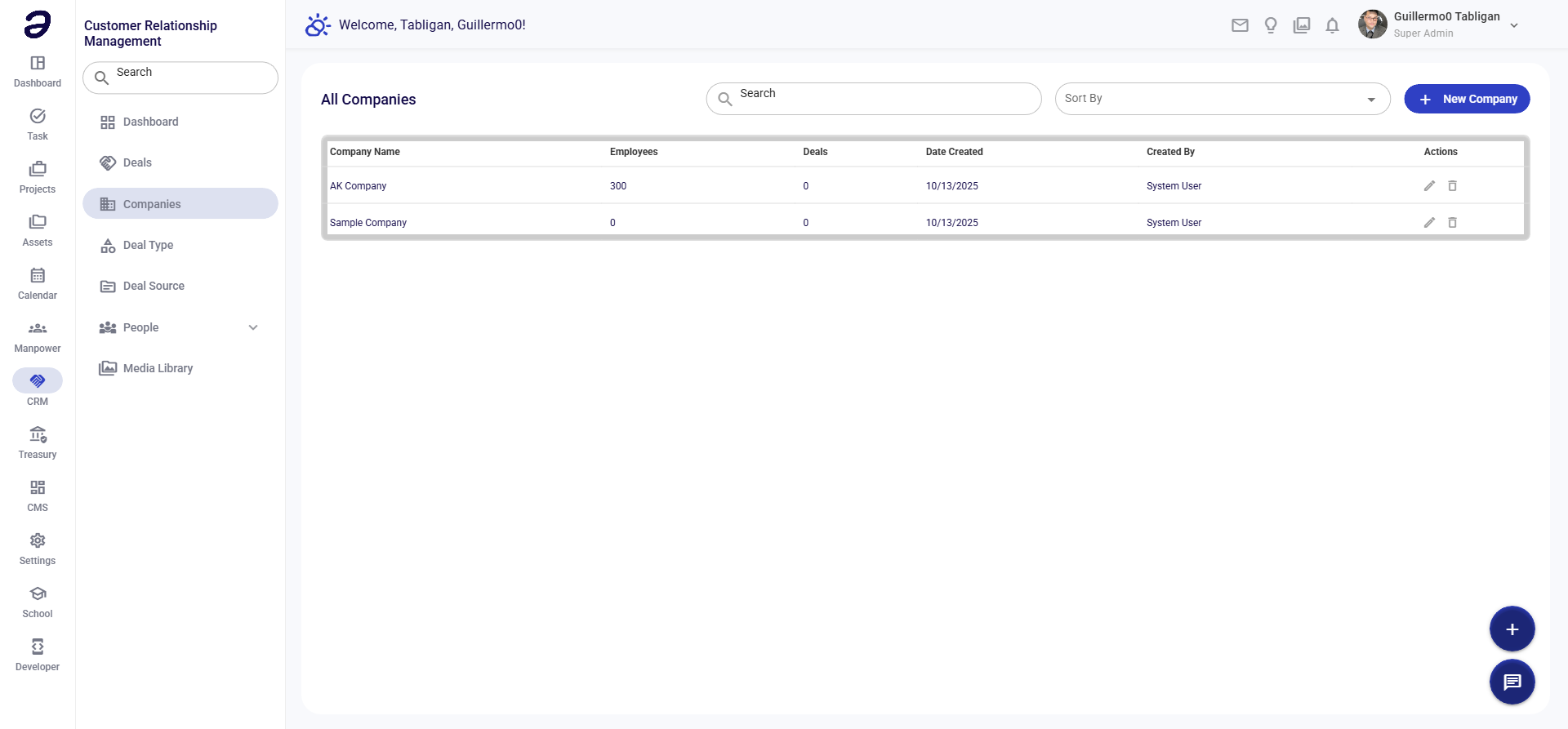
Overview
Advance View is designed for detailed inventory management. It shows all item properties including serial numbers, batch information, expiry dates, and warehouse distribution.
Page Layout
- Add Item button - Create new inventory item
- Import button - Bulk import items
- Export button - Export item data
- Advanced Search - Multiple search criteria
- Filter Panel - Detailed filtering options
- Items Table - Comprehensive item listing
Table Columns
| Column | Description |
|---|---|
| Item Code | Unique identifier |
| Item Name | Full item name |
| Description | Item description |
| Category | Item category |
| Brand | Brand name |
| Model | Model number |
| Serial No. | Serial number (if applicable) |
| Batch No. | Batch number |
| Expiry Date | Expiration date |
| Quantity | Stock quantity |
| Reorder Level | Minimum stock threshold |
| Warehouse | Storage location |
| Status | Active/Inactive |
| Actions | Edit, view, stock adjustment, delete |
Common Tasks
Adding Item with Full Details
- Click + Add Item
- Fill in basic information:
- Item Code, Name, Description
- Category, Brand, Model
- Add tracking details:
- Serial Number (if serialized)
- Batch Number
- Expiry Date (if applicable)
- Set inventory settings:
- Initial Quantity
- Reorder Level
- Preferred Warehouse
- Click Save
Bulk Import Items
- Click Import
- Download the template file
- Fill in item data in the spreadsheet
- Upload the completed file
- Review import preview
- Confirm import
Stock Adjustment
- Find the item
- Click Stock Adjustment
- Select adjustment type:
- Add Stock
- Remove Stock
- Set Quantity
- Enter quantity and reason
- Click Apply
Setting Reorder Alerts
- Edit the item
- Set Reorder Level (minimum quantity)
- Set Reorder Quantity (how much to order)
- Save changes
- System alerts when stock drops below reorder level
Filter Options
- Category - Filter by item category
- Warehouse - Filter by storage location
- Status - Active or inactive items
- Stock Level - Low stock, normal, overstocked
- Expiry - Expiring soon items
Tips
- Track Serial Numbers - For high-value items
- Monitor Expiry Dates - For perishable goods
- Set Reorder Levels - Prevent stockouts
- Use Batch Tracking - For quality control
- Regular Audits - Verify physical vs. system counts
Related Pages
- Simple View - Basic item listing
- Group View - Items by groups
- Purchase Request - Order more stock
💡 Note: Advance View provides the most detailed item management. Use it for complete inventory control.