
Deleted Tasks
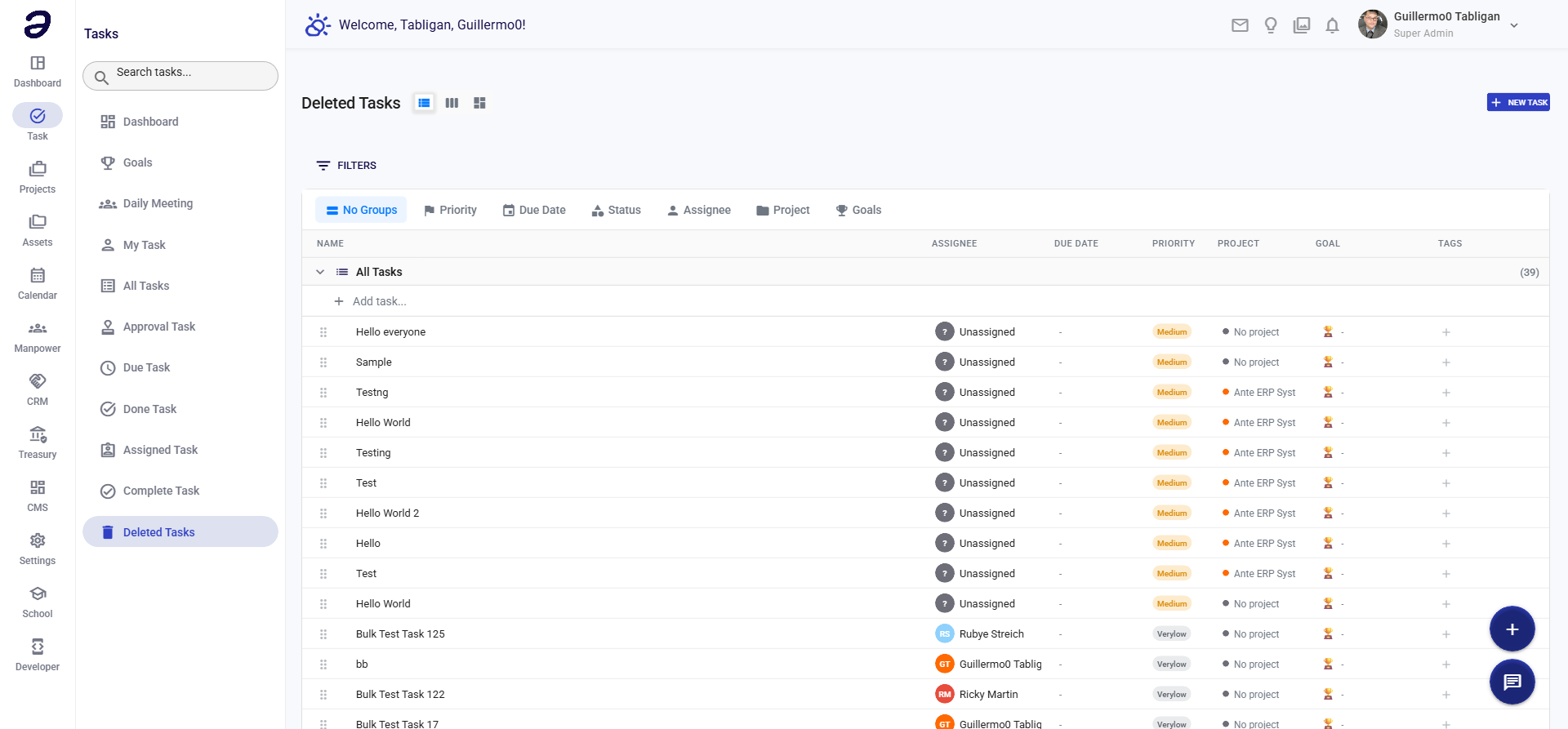
View and restore tasks that have been deleted. Recover accidentally deleted items or review deleted task history.
Overview
Deleted Tasks shows all tasks that have been removed from active lists. You can review deleted items and restore them if needed.
Page Features
Deleted Tasks List
- All tasks that have been deleted
- Shows task information:
- Task title
- Project/folder
- Deletion date
- Deleted by
- Original status
- Days since deletion
Restoration Options
- Restore Task - Recover deleted task
- Permanently Delete - Remove task permanently
- View Details - See task information before deletion
Actions Available
Task Actions
- Restore Task - Bring task back to active status
- View Details - See full task information
- Permanently Delete - Remove task completely (cannot be undone)
- Export List - Export deleted tasks list
Restoration
- Restore to original status
- Restore to specific status
- Restore with modifications
Common Tasks
Restoring a Deleted Task
- Navigate to Task → Deleted Tasks
- Find the task you want to restore
- Click Restore button
- Task returns to its previous status
- Task reappears in appropriate task lists
Viewing Deleted Task Details
- Click on a deleted task
- View full task information
- See deletion date and who deleted it
- Review task history
Permanently Deleting a Task
- Open the deleted task
- Click Permanently Delete
- Confirm the action (cannot be undone)
- Task is removed from system completely
Tips and Best Practices
- Review Before Permanent Delete - Check details before permanent deletion
- Restore Promptly - Restore accidentally deleted tasks quickly
- Regular Cleanup - Periodically review and permanently delete old deleted tasks
- Use with Caution - Permanent deletion cannot be undone
Related Pages
- My Task - Your active tasks
- All Tasks - View all active tasks
- Task Dashboard - Overview of tasks
💡 Note: Deleted tasks are kept for a period before permanent deletion. Restore them quickly if needed, as they may be permanently removed after a retention period.