
Goals
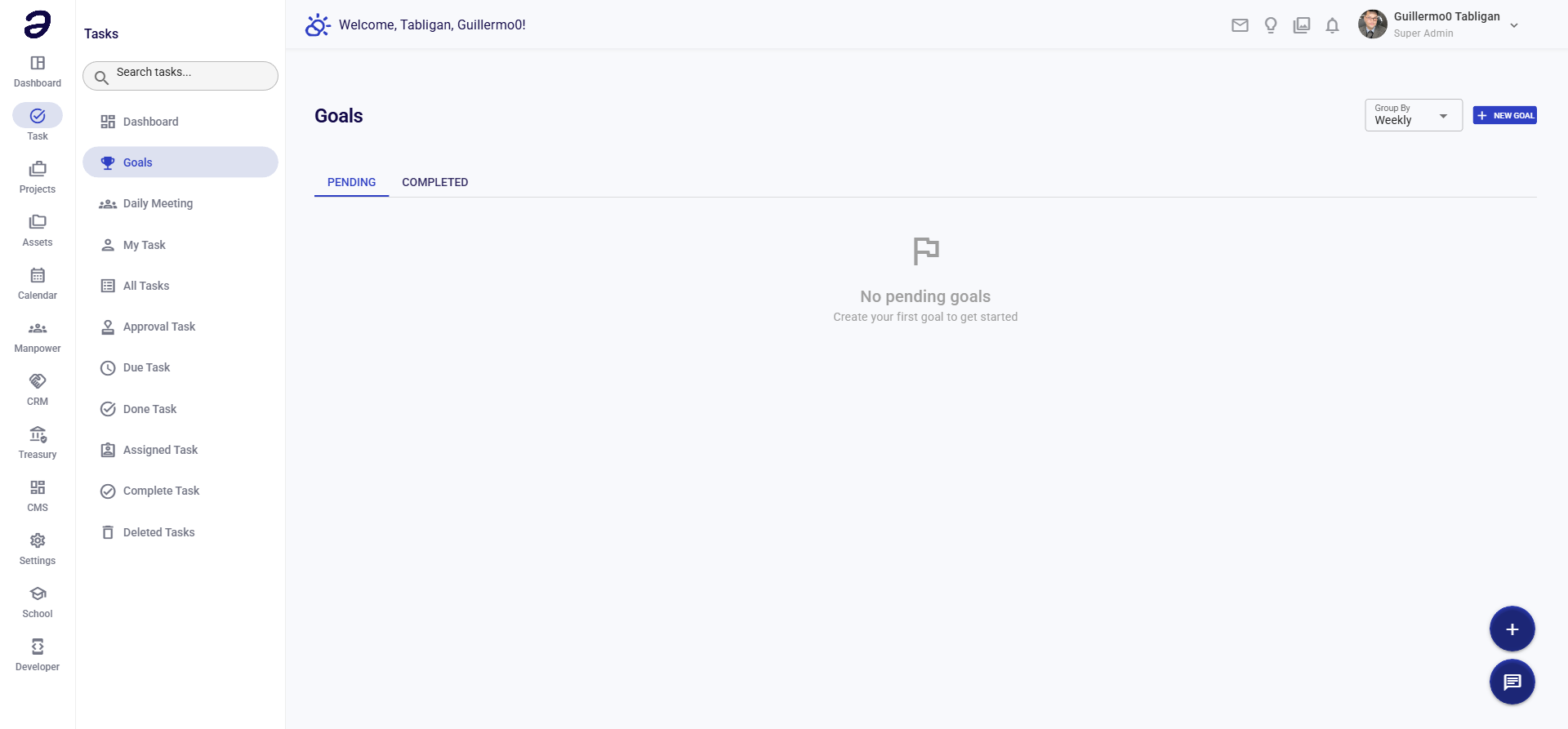
Set and track goals to achieve your objectives. Link tasks to goals and monitor progress toward completion.
Overview
Goals help you define objectives and track progress. You can create goals, assign tasks to them, and monitor completion status.
Page Features
Goals List
- View all your goals
- Shows goal information:
- Goal title
- Description
- Target date
- Progress percentage
- Related tasks count
- Status (Active, Completed, On Hold)
Goal Creation
- Create new goals with:
- Goal title
- Description
- Target completion date
- Related tasks
- Status
Actions Available
Goal Actions
- Create Goal - Add a new goal
- Edit Goal - Modify goal details
- View Goal - See goal details and related tasks
- Link Tasks - Associate tasks with goals
- Update Progress - Manually update progress percentage
- Complete Goal - Mark goal as completed
- Delete Goal - Remove goal
Task Linking
- Link existing tasks to goals
- Create new tasks from goals
- View all tasks related to a goal
Common Tasks
Creating a Goal
- Navigate to Task → Goals
- Click Create Goal button
- Fill in goal details:
- Goal Title - Name of the goal
- Description - Detailed description
- Target Date - When you want to achieve it
- Status - Active, On Hold, etc.
- Click Save
Linking Tasks to Goals
- Open a goal
- Click Link Tasks or Add Tasks
- Select tasks from the list
- Save the association
Tracking Progress
- Open a goal
- View progress percentage (auto-calculated from linked tasks)
- Manually adjust if needed
- Review related tasks status
Tips and Best Practices
- Set Clear Goals - Define specific, measurable objectives
- Link Tasks - Connect related tasks to track progress automatically
- Regular Review - Review goals regularly to ensure you're on track
- Realistic Dates - Set achievable target dates
- Update Status - Keep goal status current
Related Pages
- Task Dashboard - View goal progress summary
- My Task - View tasks linked to goals
- All Tasks - Find tasks to link to goals
💡 Note: Goal progress is automatically calculated based on linked task completion, but you can manually adjust it if needed.