
Client Management
Manage client information and relationships. Add, edit, and organize client data for use in projects.
Overview
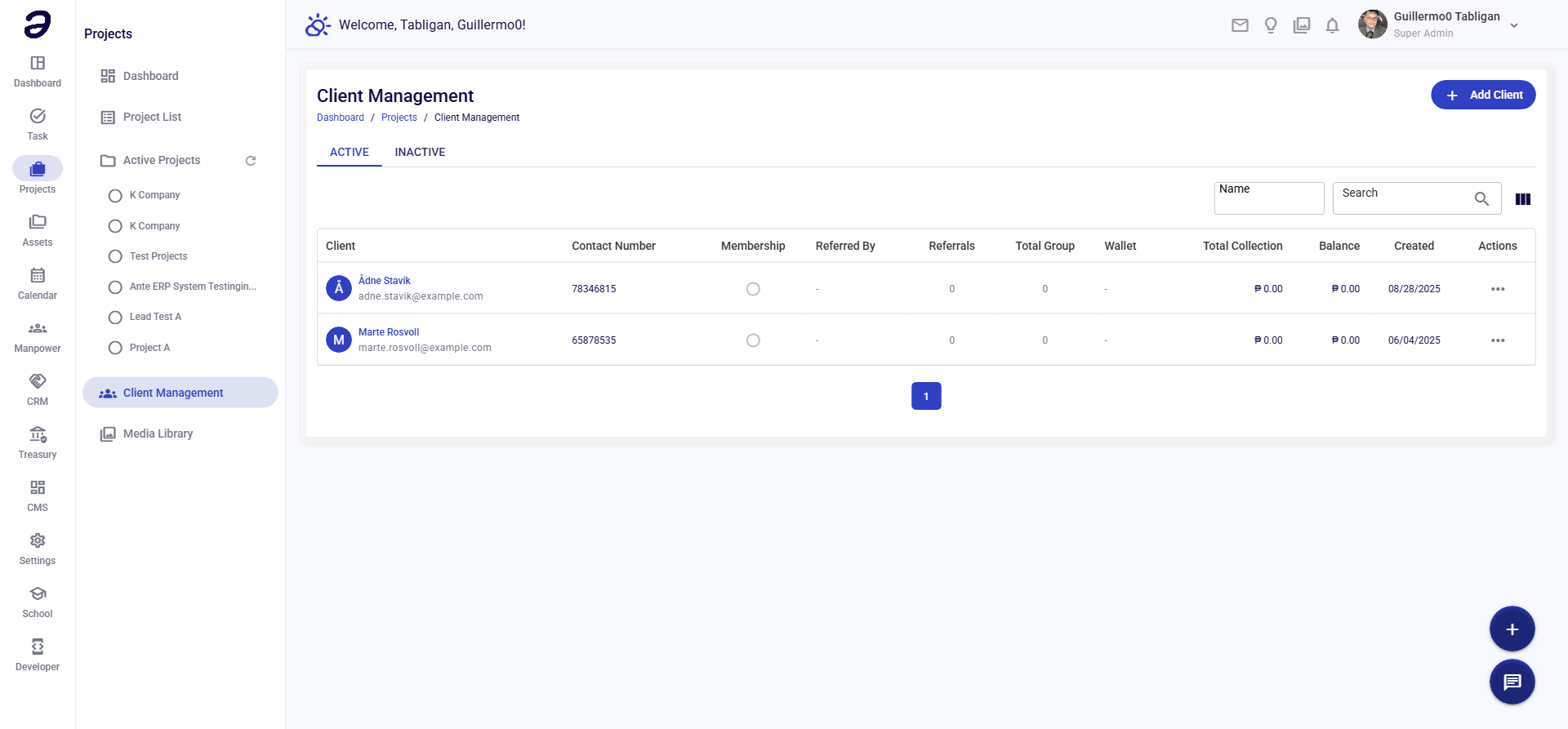
Client Management allows you to maintain a database of clients and customers. This information is used when creating projects and helps you track client relationships.
Page Features
Client List
- View all clients in the system
- Shows client information:
- Company name
- Contact person
- Email address
- Phone number
- Address
- Associated projects count
Search and Filters
- Search Bar - Search clients by name, company, or contact
- Status Filter - Filter by active/inactive status
- Project Filter - Filter by associated projects
Actions Available
Client Actions
- Add Client - Create new client record
- Edit Client - Modify client information
- View Client - See full client details
- View Projects - See all projects for this client
- Deactivate Client - Mark client as inactive
- Delete Client - Remove client (if no projects linked)
Client Information Fields
- Company Name - Client company name (required)
- Contact Person - Primary contact name
- Email - Contact email address
- Phone - Contact phone number
- Address - Company address
- Website - Company website (optional)
- Notes - Additional information
Common Tasks
Adding a New Client
- Navigate to Projects → Client Management
- Click Add Client button
- Fill in client information:
- Company name (required)
- Contact person
- Email and phone
- Address
- Any additional notes
- Click Save
Editing Client Information
- Find the client in the list
- Click Edit button
- Modify the information
- Save changes
Viewing Client Projects
- Open client details
- Click View Projects tab
- See all projects associated with this client
Linking Client to Project
- When creating or editing a project
- Select client from the dropdown
- Client will be linked to the project
Tips and Best Practices
- Complete Information - Fill in all available client details
- Regular Updates - Keep client information current
- Organize Contacts - Maintain accurate contact information
- Link Projects - Associate projects with correct clients
- Use Notes - Add important information in notes field
Related Pages
- Project Dashboard - Overview of projects
- Creating a Project - Link clients when creating projects
- Project Details - View client information on project page
💡 Note: Clients must be added before they can be selected when creating projects. Contact your administrator if you need to add clients.